
Not validating installation
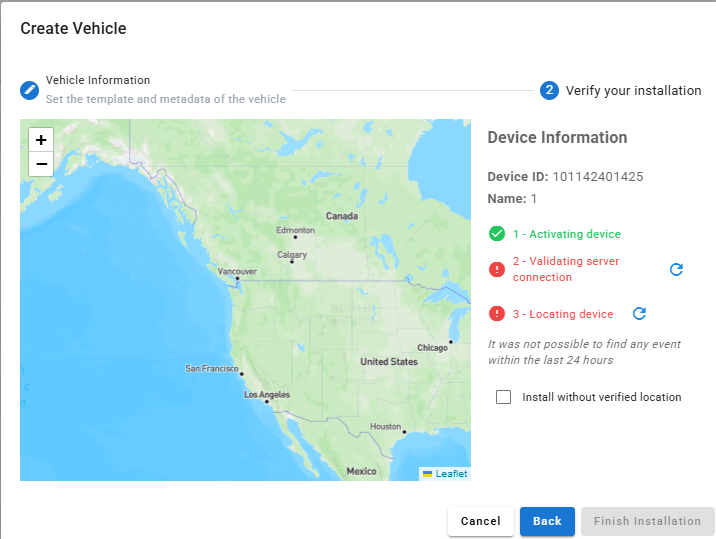
Confirm the device has been activated out of shipping mode by pressing the black button on the top. You should see lights that come on and start blinking.
Confirm that the device does not need to be renewed for airtime.

If there is not light - confirm on the application there is a "last activity date" and a "first power up" date.

If device is still not validating, please contact support.
Not locating
If the device is still at your location move outside to a better signal area and press the button on the top. This should create a button press event.
Confirm the mode of the wireless device, as each mode has different reporting times.
Confirm the installation area does not impact the device signal.
Confirm battery on wireless is not depleted.
If device is still not updating, please contact support.