
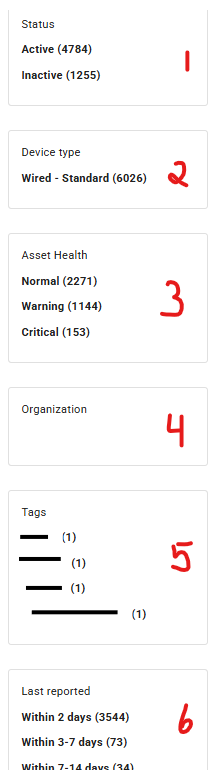
(1) Status: This will filter your list to show only "Active" or "Inactive" devices.
(2) Device Type: Helpful for accounts with multiple device types.
(3) Asset Health:
(4) Organization: Helpful for accounts who utilizes multiple lots to help with the devices.
(5) Tags: Sort and filter by tags which can help organize devices on the account.
(6) Last reported: Can filter by time frame for devices last time reporting to the application.